
Finally Learn To Use Adobe Illustrator Like a Pro Without Relying On Tutorials
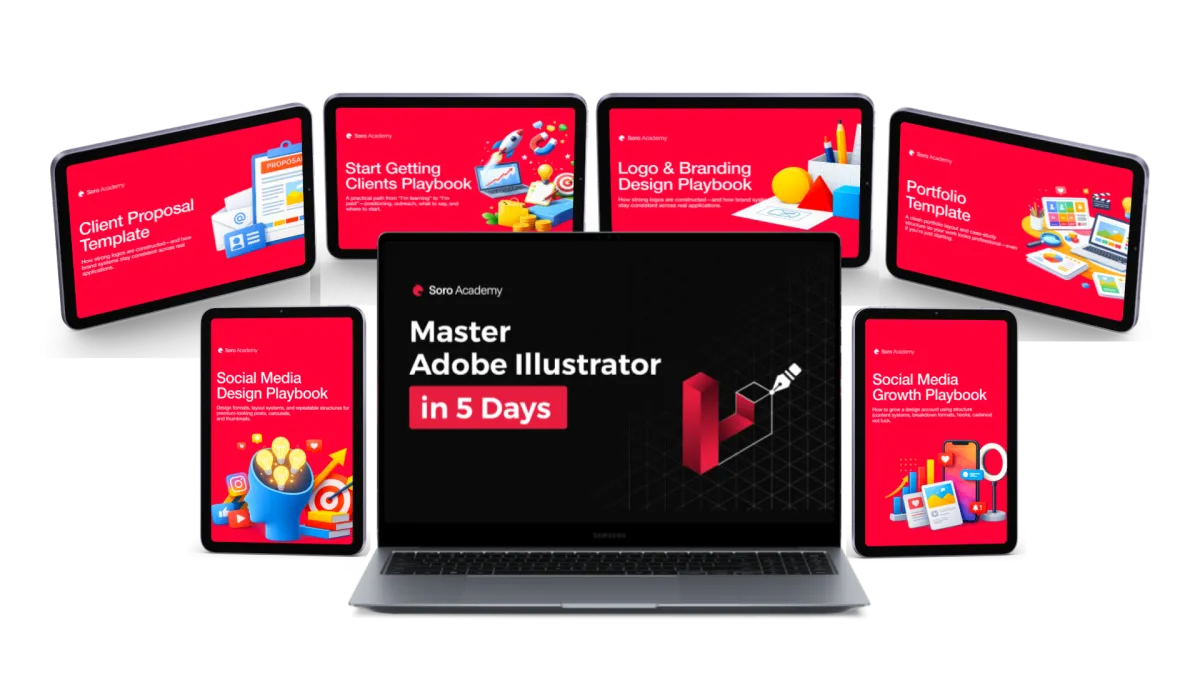
This is the only course you will ever need to master Illustrator. You'll go from copying steps from tutorials to actually designing from scratch with confidence. If you want better work, better clients, and less frustration, this is the missing piece.
This is the only course you will ever need to master Illustrator. You go from copying steps from tutorial to actually designing from scratch with confidence. If you want better work, better clients, and less frustration, this is the missing piece.
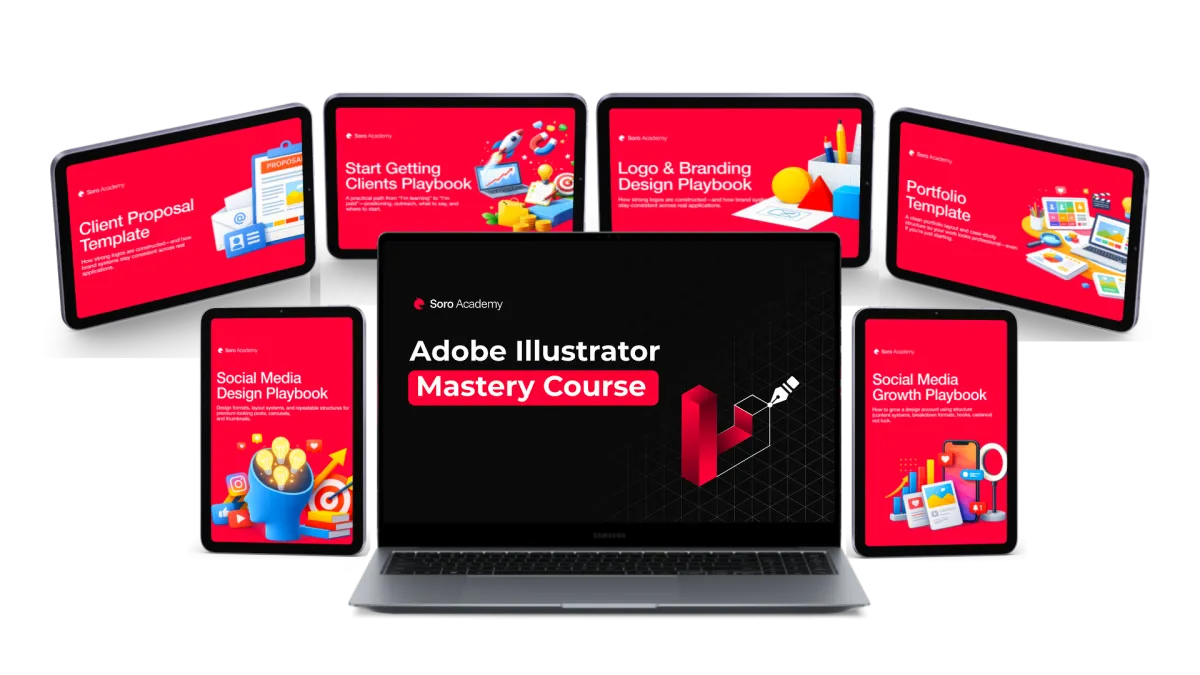
Online Course | 91 Lessons Of Expert Training | Lifetime Access | 6 FREE Bonuses Included

You Save $169 Today
Get The Lifetime Access To The Most Complete Adobe Illustrator Course Now And Receive Instant Access To 6 Bonuses Worth $194 For FREE!

🔒 100% Secure 256-Bit Encrypted Checkout
Our course has helped students land jobs in the best companies in the world










... and the numbers speak for themselves
Our students feedback says it all!
So far, over 12,000 people have joined our courses.
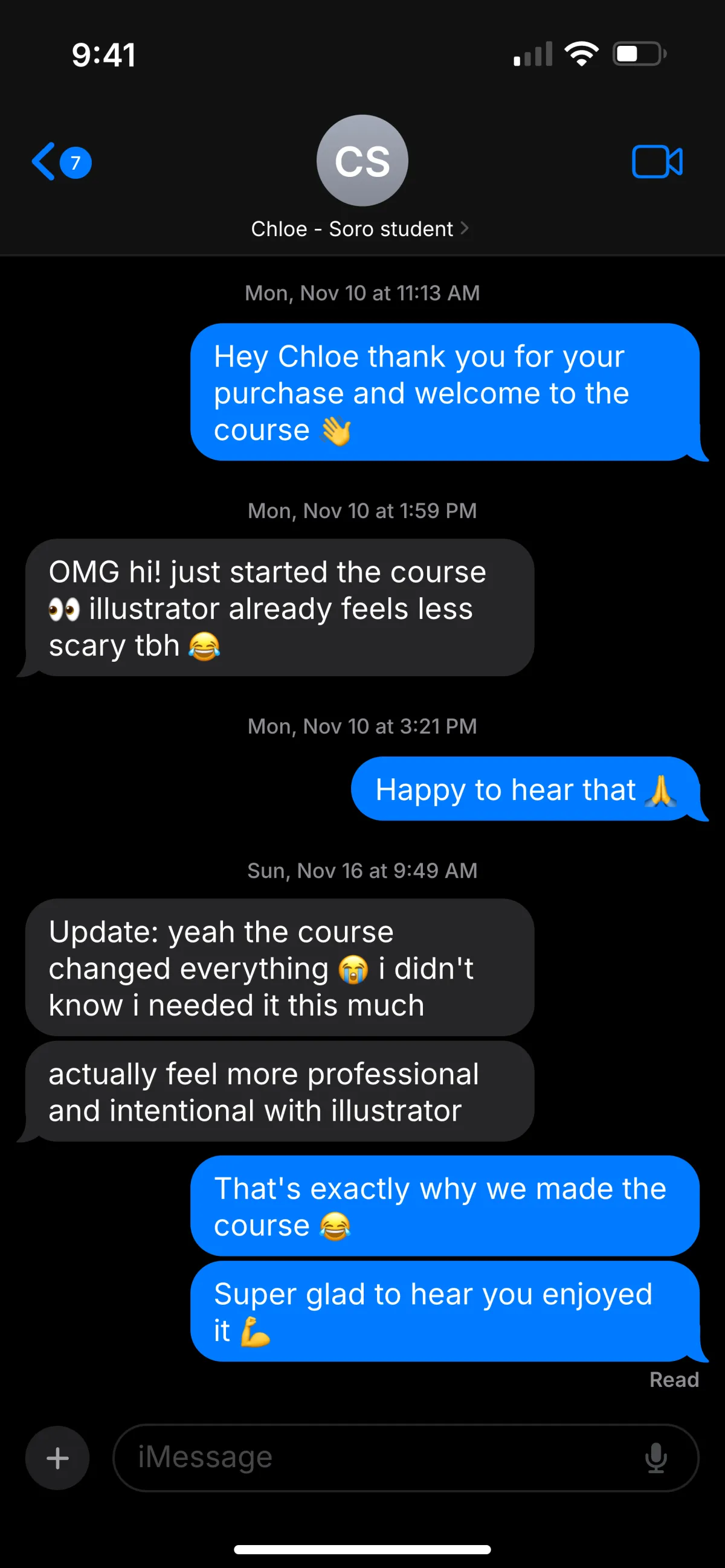
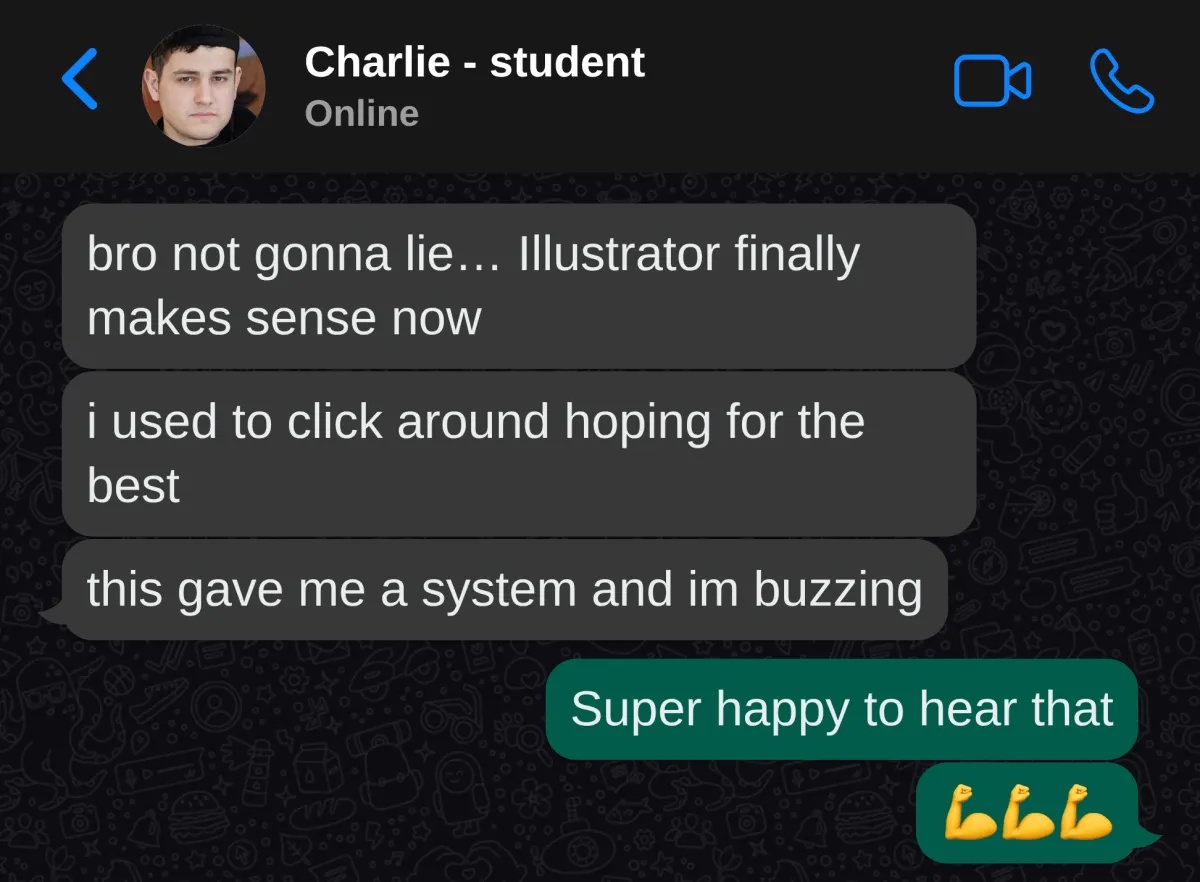
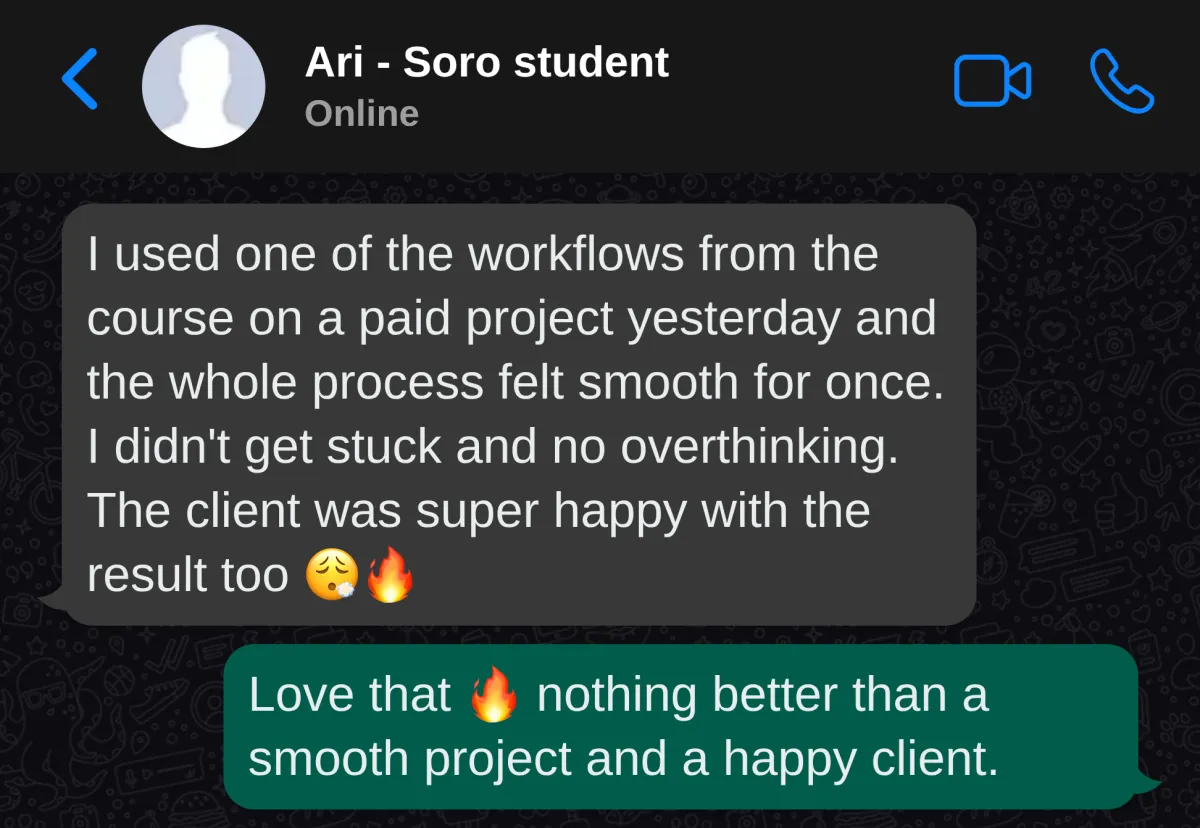
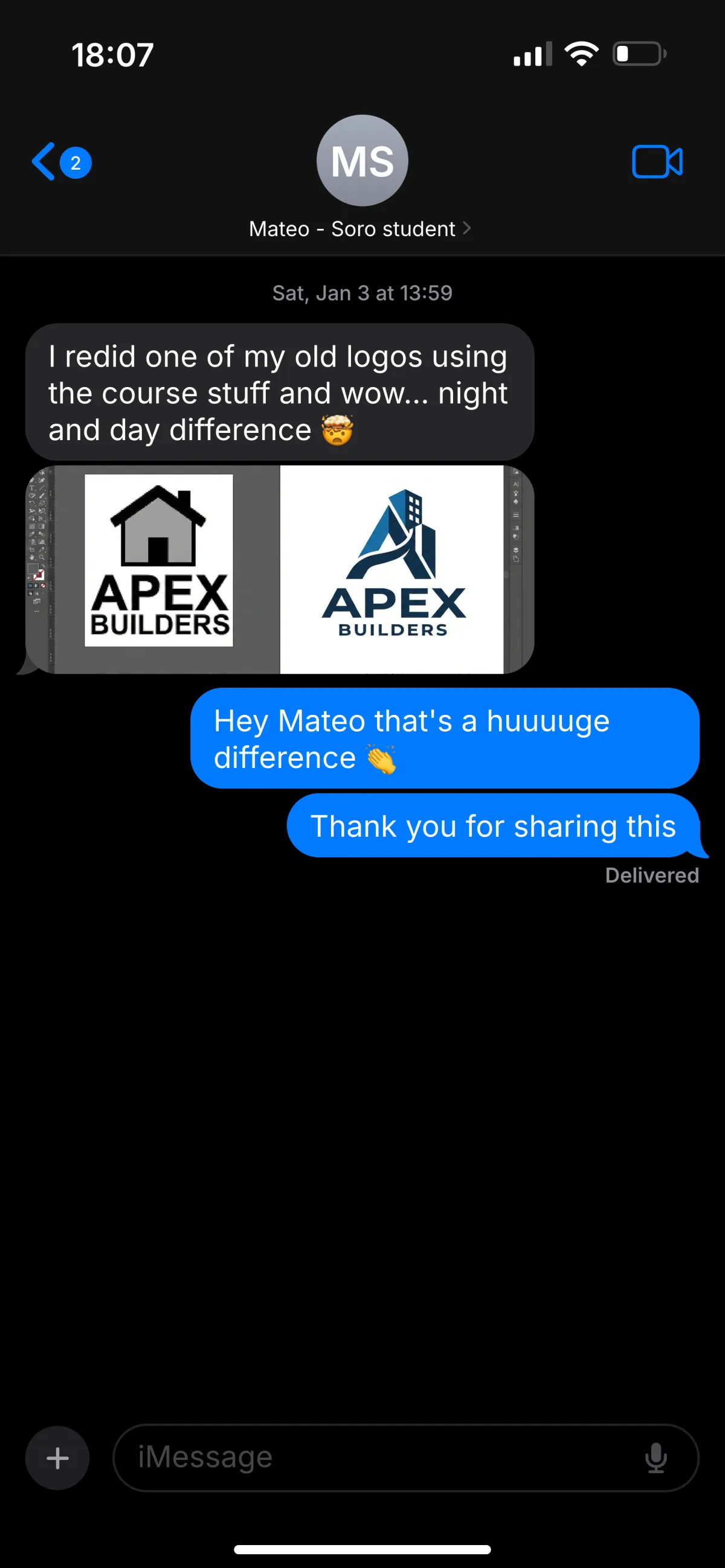



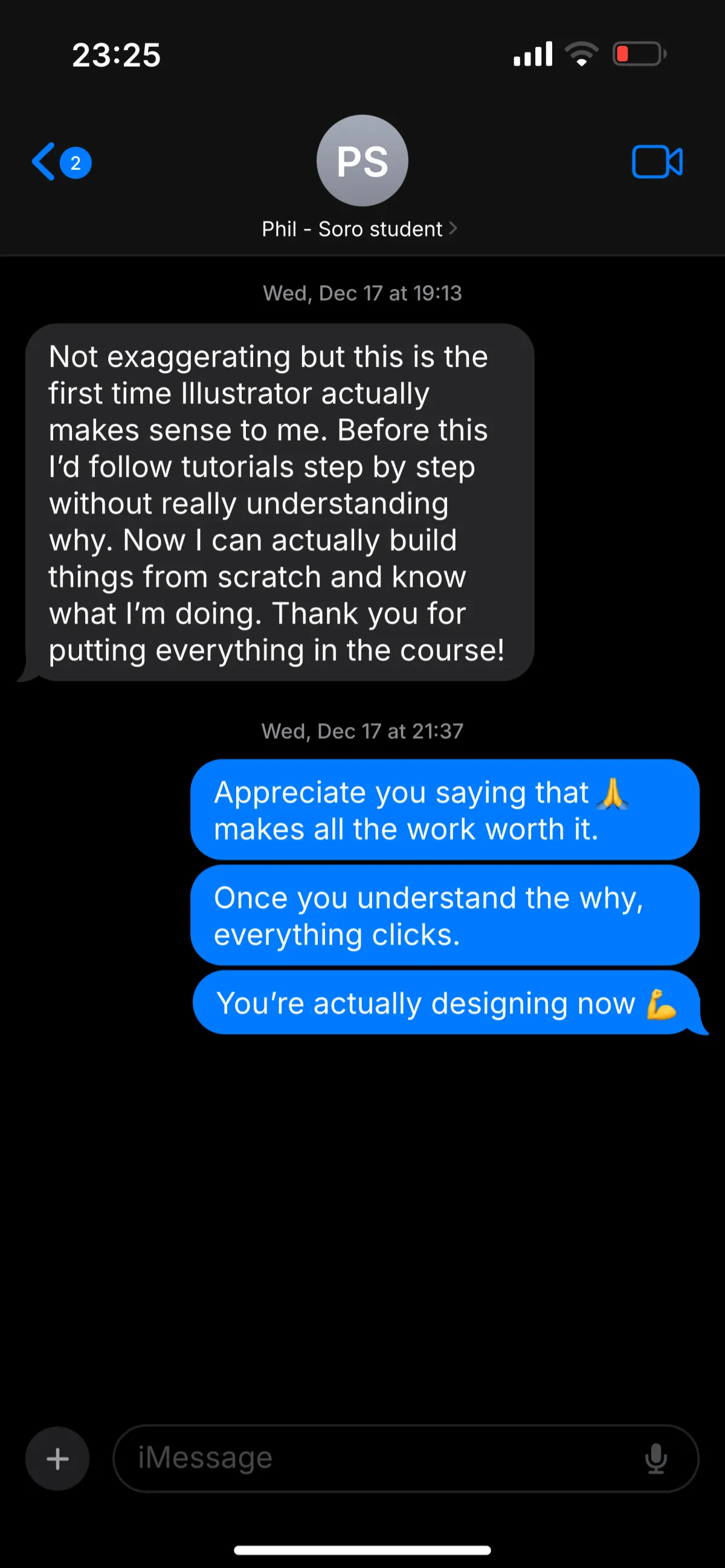









— What makes this different from other courses
The 5-Level Soro Method
This is not a “watch and copy” course. Each lesson has a single objective for you to master. You learn Illustrator in the order a professional designer actually uses it.
1
Foundations that remove confusion
Understand how Illustrator is ment to be used so it stops feeling overwhelming.
2
Core tools, taught as concepts
So you can apply them anywhere, not relying one tutorials to get the job done.
3
Workflow, not tricks
Build pieces from scratch using repeatable steps and workflows.
4
Finish and export like a pro
Clean files, crisp outputs, confidently send your work to clients.
5 levels. Zero confusion. Real Illustrator skills.
A 91 lesson course with a focused system designed to be completed. Each level is designed to take about an hour. You always know what to do next.
Interface, artboards, navigation, and how Illustrator “thinks” so you stop feeling lost immediately.
Pen tool demystified, shape building, alignment, and clean construction that looks professional.
Hierarchy, balance, and typography control so your designs stop looking “off.”
Logos, icons, layouts—plus file discipline and structure used in professional work.
Shortcuts, efficiency, exporting and delivery—so the software disappears and you just design.
Rewatch anytime, repeat the sprint whenever you need and use the methods on every new project.
— With Your Order Today
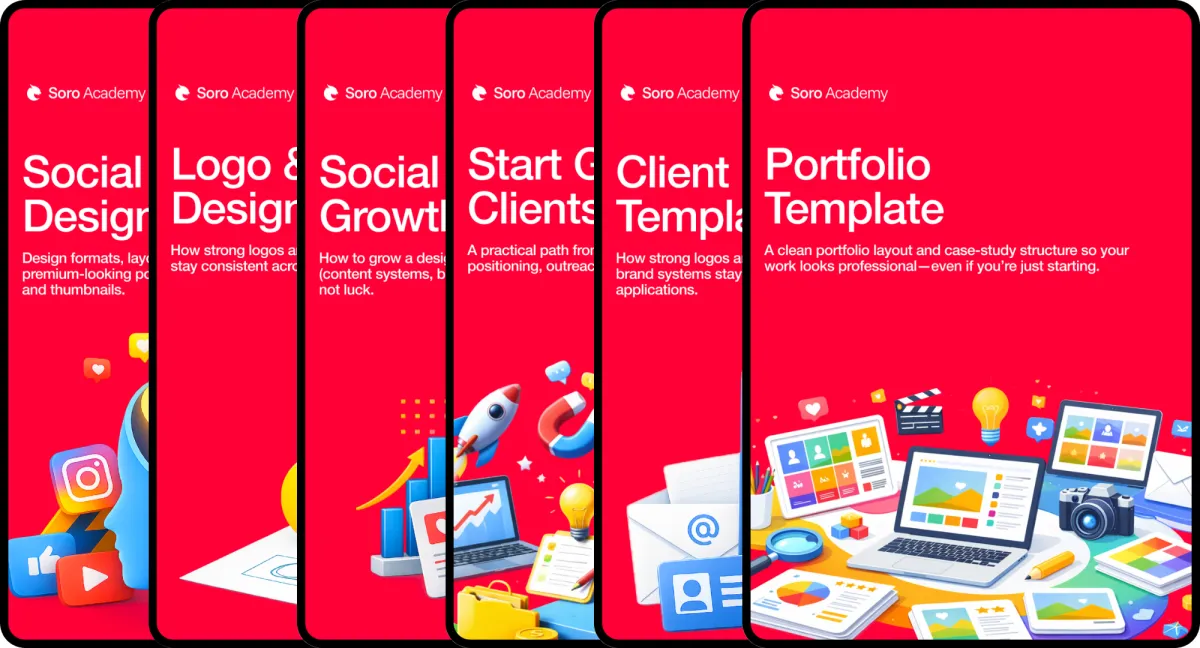
Unlock Immediate Access To 6 FREE Additional Bonuses To Charge More As A Designer
Everything you need to learn Illustrator and use it for real work. Learning the software is step one. These bonuses remove the next obstacles: what to design, how to grow, and how to start getting opportunities.
Bonus 1:
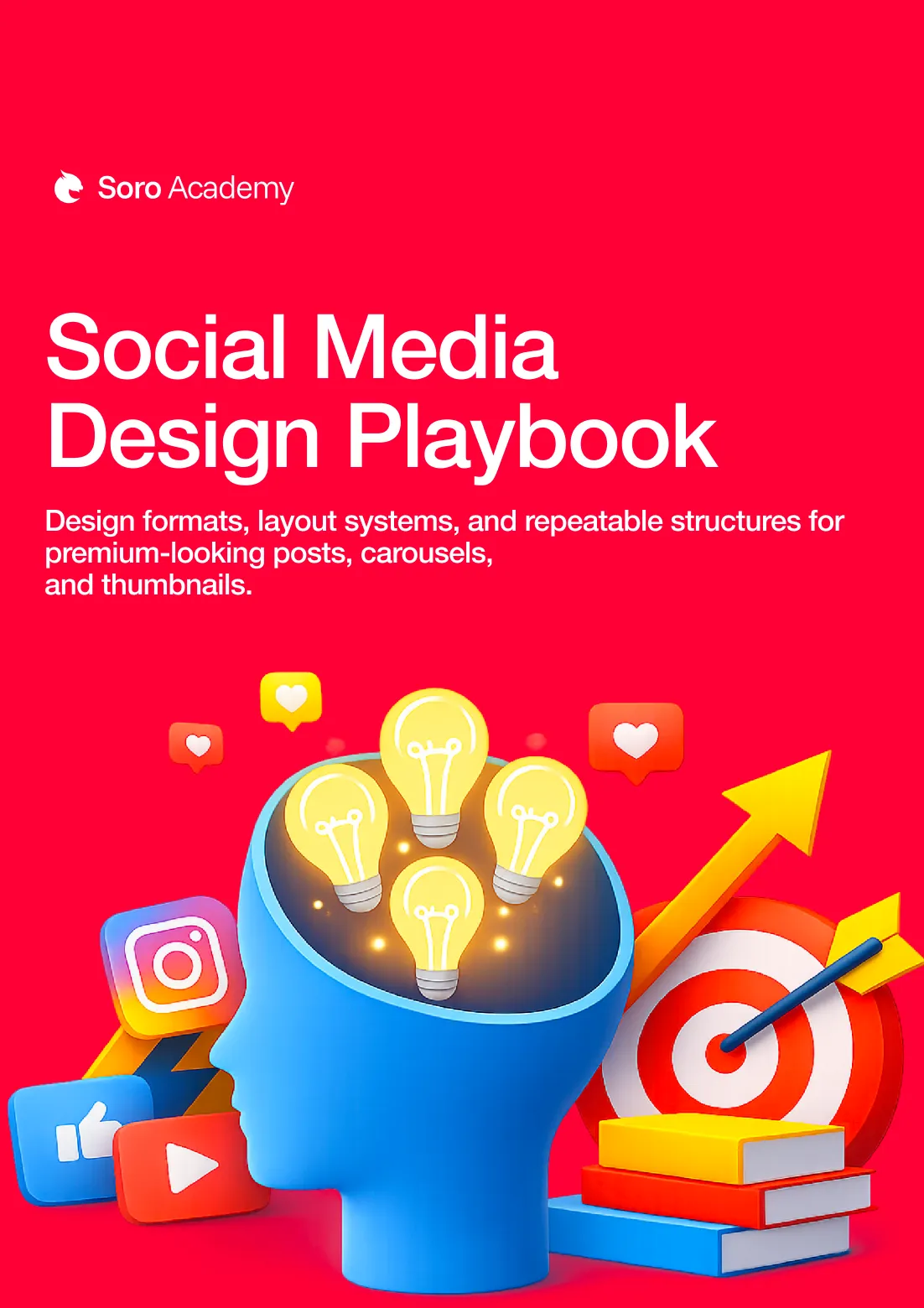
Social Media Design Playbook
Design formats, layout systems, and repeatable structures for premium-looking posts, carousels, and thumbnails.
This playbook shows you how to design visuals that actually stop the scroll on modern platforms. You will learn how to structure layouts, hierarchy, and typography specifically for feeds, not generic design theory.
It breaks down why some designs instantly grab attention while others get ignored. Perfect if you want your work to look relevant, modern, and algorithm friendly.
Bonus 2:
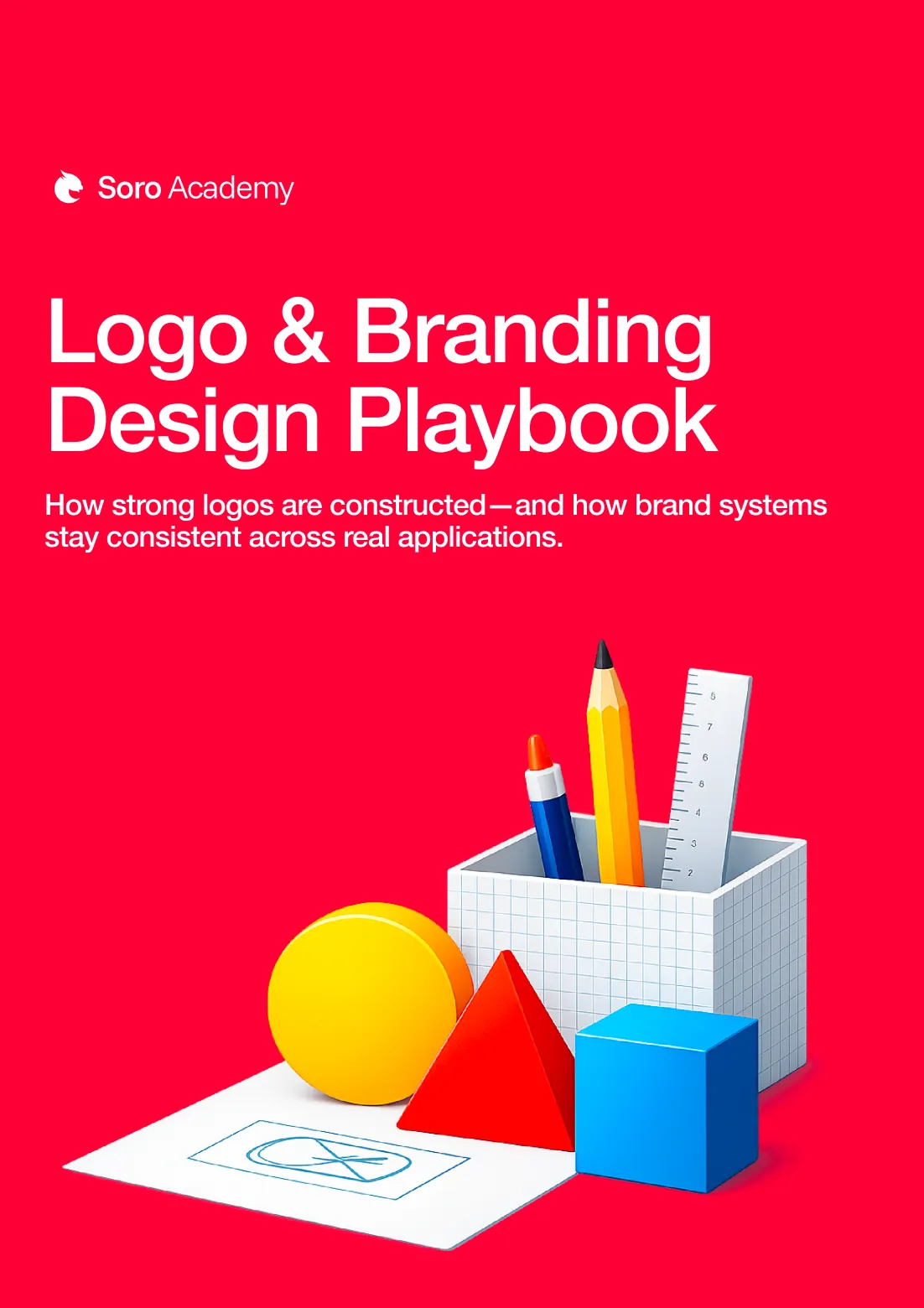
Logo & Branding Design Playbook
How strong logos are constructed—and how brand systems stay consistent across real applications.
This playbook teaches you how professional brands are built from the ground up, not just how to make a logo look nice. You will understand how to think in systems, consistency, and intent so your designs feel premium and intentional.
It covers structure, presentation, and decision making used by real studios. Ideal for anyone who wants their work to look polished instead of amateur.
Bonus 3:
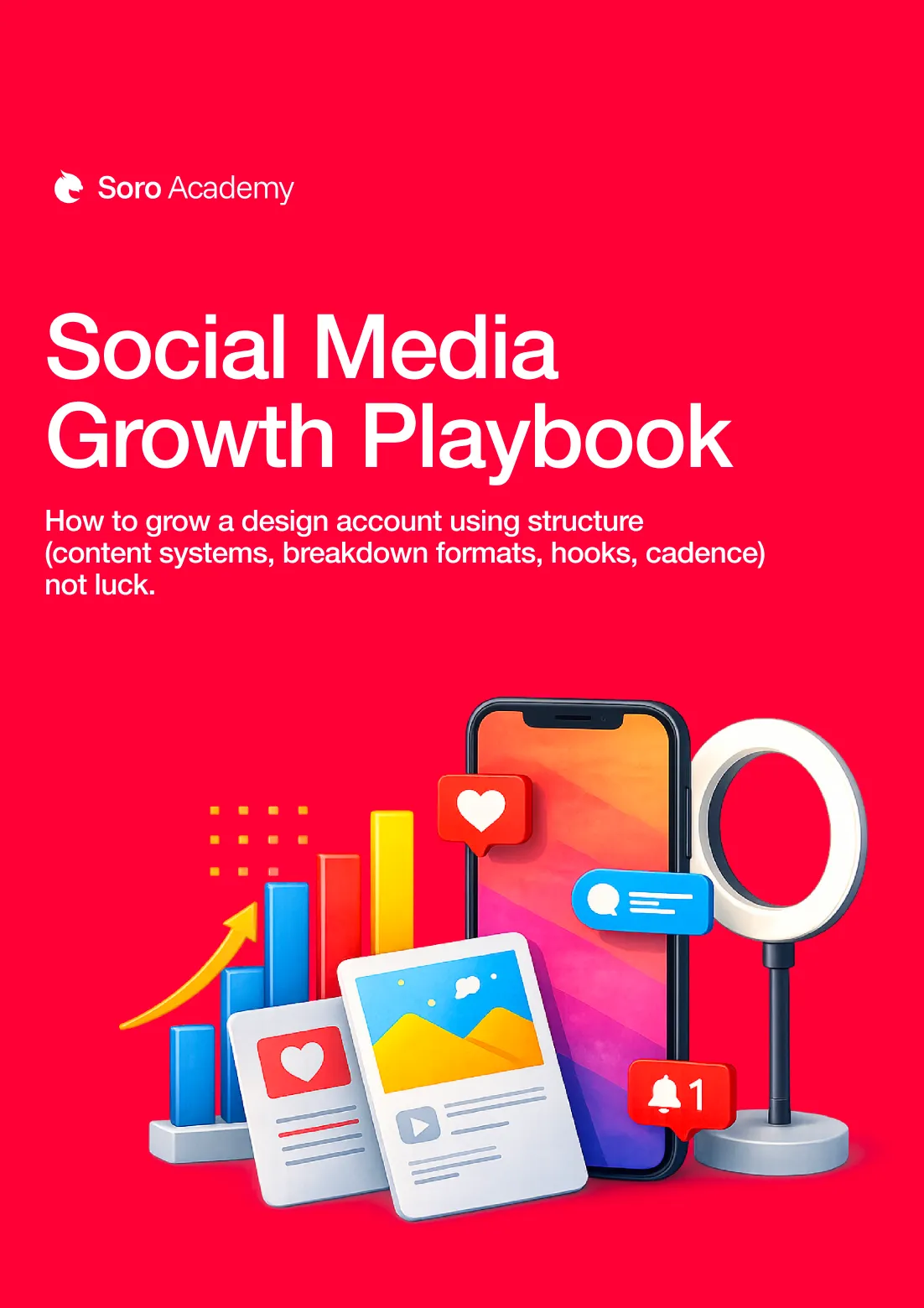
Social Media Growth Playbook
How to grow a design account using structure (content systems, breakdown formats, hooks, cadence)—not luck.
This is the exact framework Soro used to grow a massive audience through educational design content. You will learn how to turn your skills into content ideas that attract the right people without chasing trends.
It breaks down formats, positioning, and posting strategy that compounds over time. If you want visibility without gimmicks, this is the blueprint.
Bonus 4:
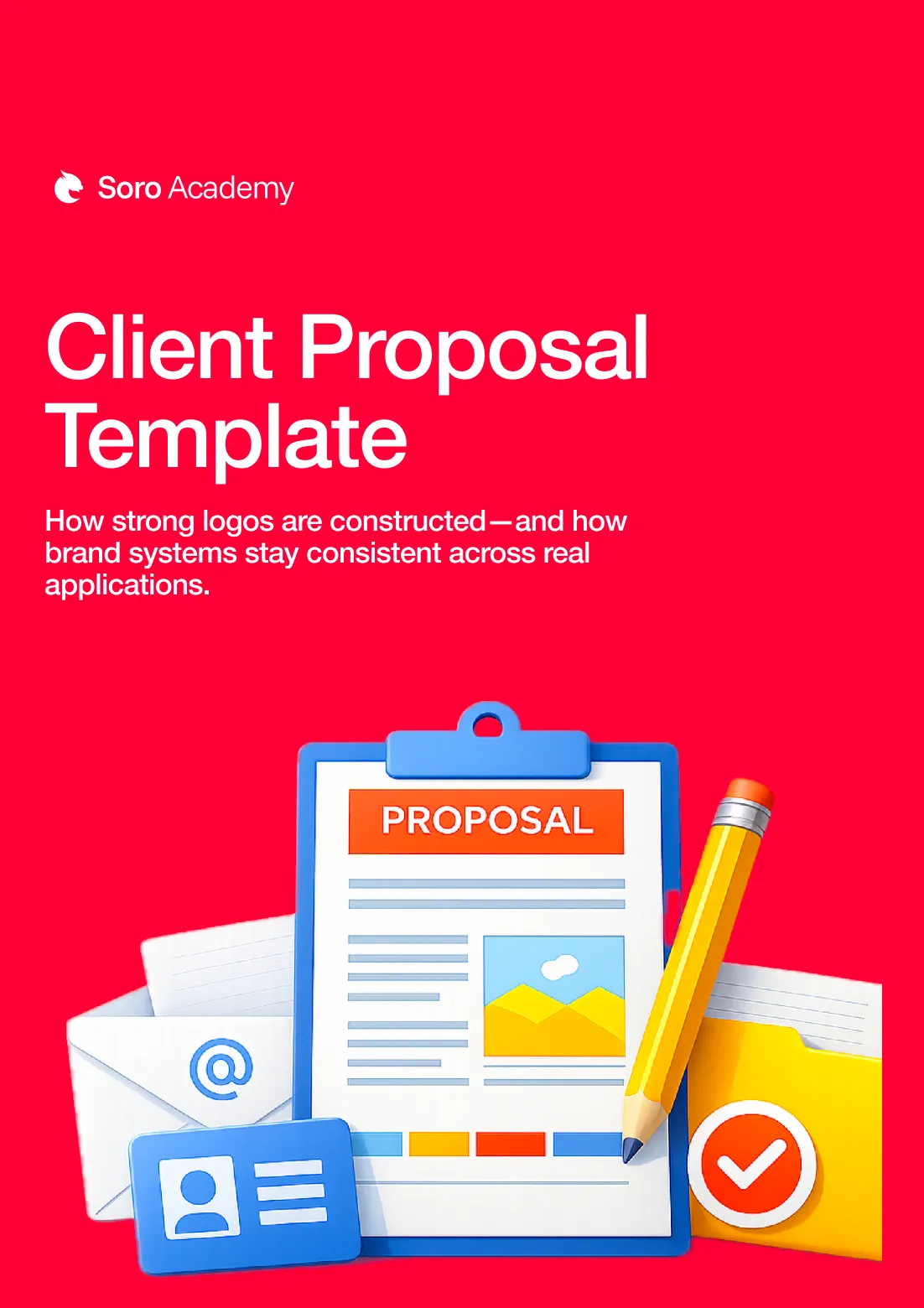
Client Proposal Template
A clean, professional proposal structure you can plug into and send—scope, deliverables, timeline, pricing sections.
This template removes the guesswork from pitching your work to clients. You get a clear, professional structure that helps you communicate value instead of just listing services.
It is designed to make you look credible even if you are new. Use it to send proposals that feel confident, clean, and easy to say yes to.
Bonus 5:
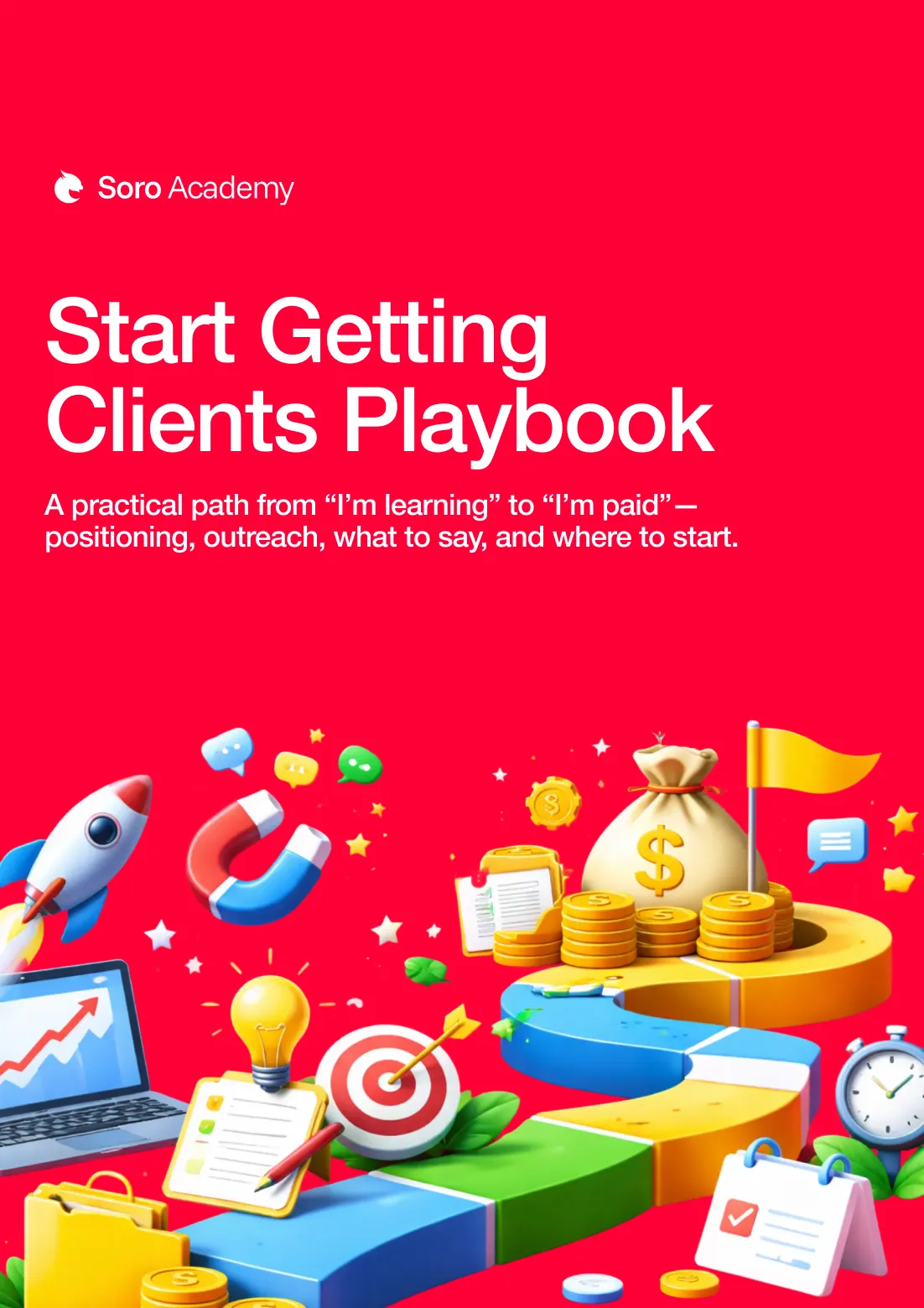
Start Getting Clients Playbook
A practical path from “I’m learning” to “I’m paid”—positioning, outreach, what to say, and where to start.
This playbook walks you through how to get your first design clients without cold calling or feeling salesy. You will learn where to look, what to say, and how to position yourself so people take you seriously.
It focuses on simple, repeatable actions instead of vague advice. Perfect if you want to turn skills into income.
Bonus 6:
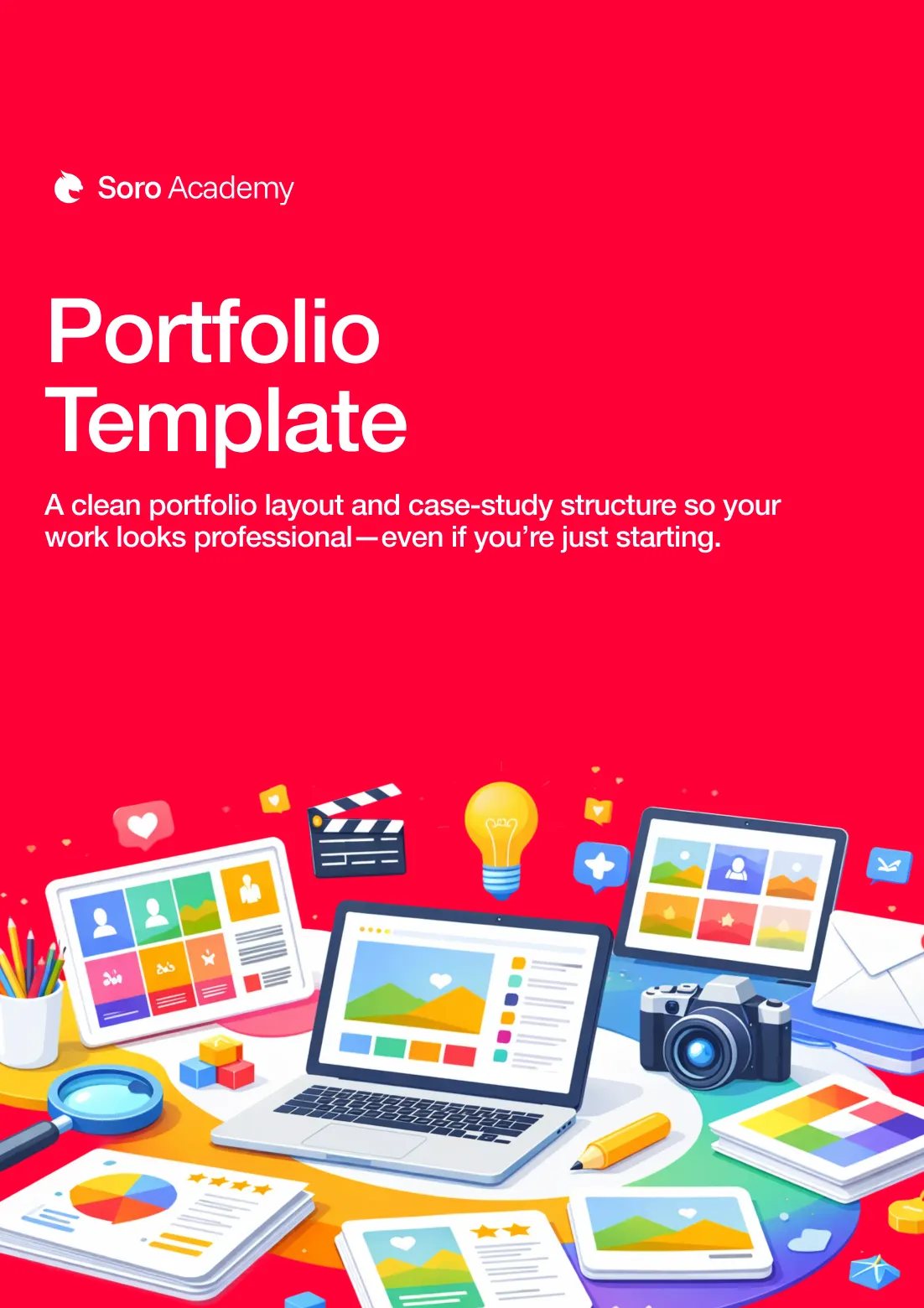
Portfolio Template
A clean portfolio layout and case-study structure so your work looks professional—even if you’re just starting.
This template shows you exactly how to present your work so it feels professional and intentional. You will learn how to structure projects, explain decisions, and highlight strengths even if you are a beginner.
It removes the confusion around what to show and what to leave out. Use it to make your portfolio work for you, not against you.
🔒 100% Secure 256-Bit Encrypted Checkout
Frequently Asked Questions
Is $27 worth it when free content exists?
Free content is why you’re still stuck. It’s scattered, inconsistent, and not structured. This gives you the fastest path with the correct sequence so you stop wasting hours and actually learn the skill.
What exactly do I get when I buy?
You get the full 5-Level Sprint Method plus all 6 FREE bonuses listed on the page, instantly. Everything is organized so you can follow the sequence without guessing. You also get lifetime access so you can rewatch anytime.
Who is this for?
This course was built for designers who feel lost in Illustrator. We start with the foundations that make the software finally make sense, then build all the necessary skills lesson by lesson. If tutorials never worked for you, this is the opposite of that.
What makes this different from YouTube tutorials?
Tutorials teach you steps. This teaches you the system. You will understand why tools work, when to use them, and how they connect, so you can build from scratch instead of copying. That is why it feels like everything “clicks” instead of staying confusing.
How long will it take to complete?
The course has 91 lessons split into 5 levels, each level takes about an hour, but you can go at your own pace. The method still works whether you do it in 5 days or 15. You have lifetime access.
Do I need any special skills or equipment?
No. You just need Adobe Illustrator and a willingness to practice. No drawing talent required. No fancy setup.
Will this help if I already know the basics?
Yes. That is one of the best use cases. Most people learn random basics but never learn the order, workflow, or fundamentals that create confidence. This fills the gaps that keep you stuck at “I kind of know Illustrator” forever.
Will this help me get clients or a job?
It gives you the skill foundation that makes your work cleaner, faster, and more professional, which is the prerequisite for clients and hiring. Plus, the bonuses include a client playbook, proposal template, and portfolio template to help you turn skills into opportunities.
When should I start?
The best time to start is yesterday. The second best time is today. The fastest way to stay stuck is to wait until you “have time.” This is designed to be a quick, focused sprint so you can finally get momentum. If you want Illustrator to click, start Day 1 now.
Ready To Finally Make Illustrator Click?
You don’t need more tutorials, more guessing, or more trial and error. You need a clear system that shows you what to learn, in what order, and why it works.
Online Course | 91 Lessons Of Expert Training | Lifetime Access | 6 FREE Bonuses Included
You Save $169 Today
Get The Lifetime Access To The Most Complete Adobe Illustrator Course Now And Receive Instant Access To 6 Bonuses Worth $194 For FREE!
🔒 100% Secure 256-Bit Encrypted Checkout

Privacy Policy
Terms & Conditions
Contact
© 2026 All Rights Reserved, Soro Graphics LLC